TABLE OF CONTENTS
Overview
The Stack Internal platform is an AI-powered knowledge hub. It takes your company's diverse knowledge resources and turns them into trustworthy, easily accessed information. In addition to MCP Server and API interfaces, Stack Internal will ingest and process information from the following sources:
- Stack Internal Community site (questions, answers, and articles, Enterprise plan only)
- Google docs
- Slack
Stack Internal uses AI to craft a response by accessing only the information you've given it. The end result is an answer you can trust, drawn from your company's most current, accurate, and relevant information.
Stack Internal home page
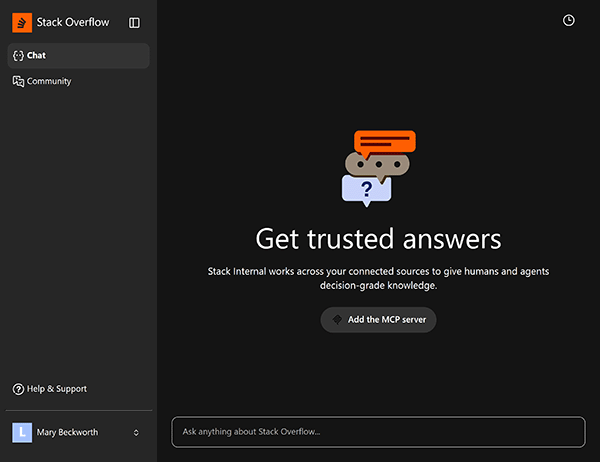
When you access your Stack Internal platform, you'll see the home page. It has a left-hand menu, chat window and history button.
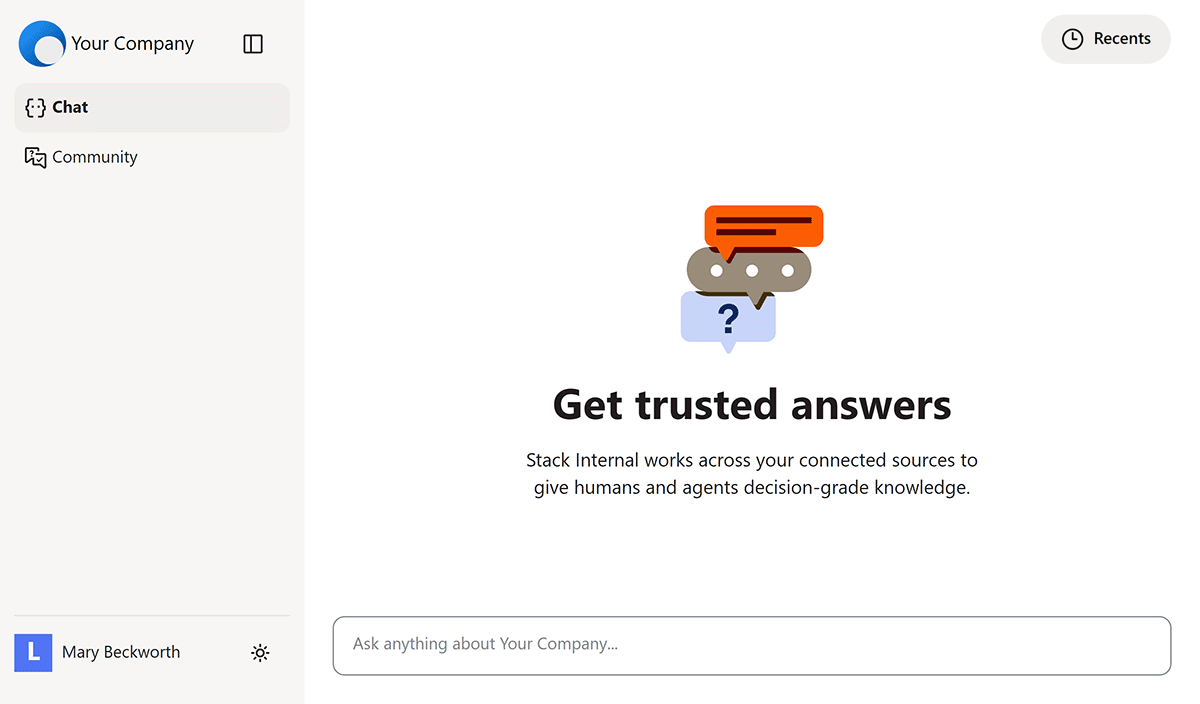
The main area of the page is the chat window, which holds the running transcript of your interactions with Stack Internal. Here you'll type questions and prompts to interact with the Stack Internal AI. To start, enter a question into the "Ask anything…" box. Stack Internal will process your question, search your source material, and return a response.
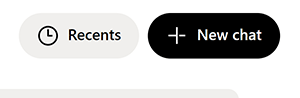
Once you've started a chat, the New chat button appears. Click New chat to store your current chat in the Recents list and begin a new chat.
To free up space for the chat window, you can collapse the left-hand menu by clicking the sidebar button.
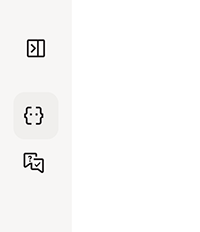
When collapsed, you can find and click the sidebar button again by floating your mouse over your logo in the upper-left corner.
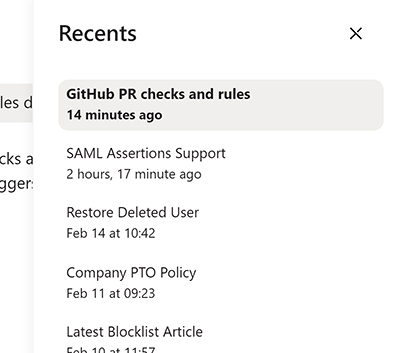
To see a history of your chats, click Recents in the upper-right corner of the screen. You'll see a list of recent chats. Click on any chat in the list to return to it.
Click on your name in the lower-left corner to bring up a small control panel. There you can switch between light and dark themes, and enable high contrast mode. You can also log out by clicking Log out.
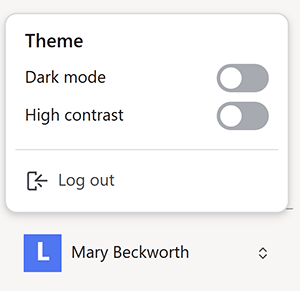
Dark mode
Stack Internal Community
Connecting to your Stack Internal Community Enterprise site unlocks the true power of Stack Internal. Once connected, Stack Internal will draw from your enterprise knowledge base to answer questions, synthesize information, and give you trusted results.
To access your Stack Internal Community site directly, click Community in the left-hand menu.
Control Center
Site admins will see a Control Center link in the left-hand menu. Learn more about the Control Center.