TABLE OF CONTENTS
Overview
Stack Internal Chat reduces the need to search across multiple systems and tools for information. Instead, you can explore your workspace knowledge in plain language, in one place. You write a question, then Stack Internal Chat synthesizes a response from relevant, trusted information.
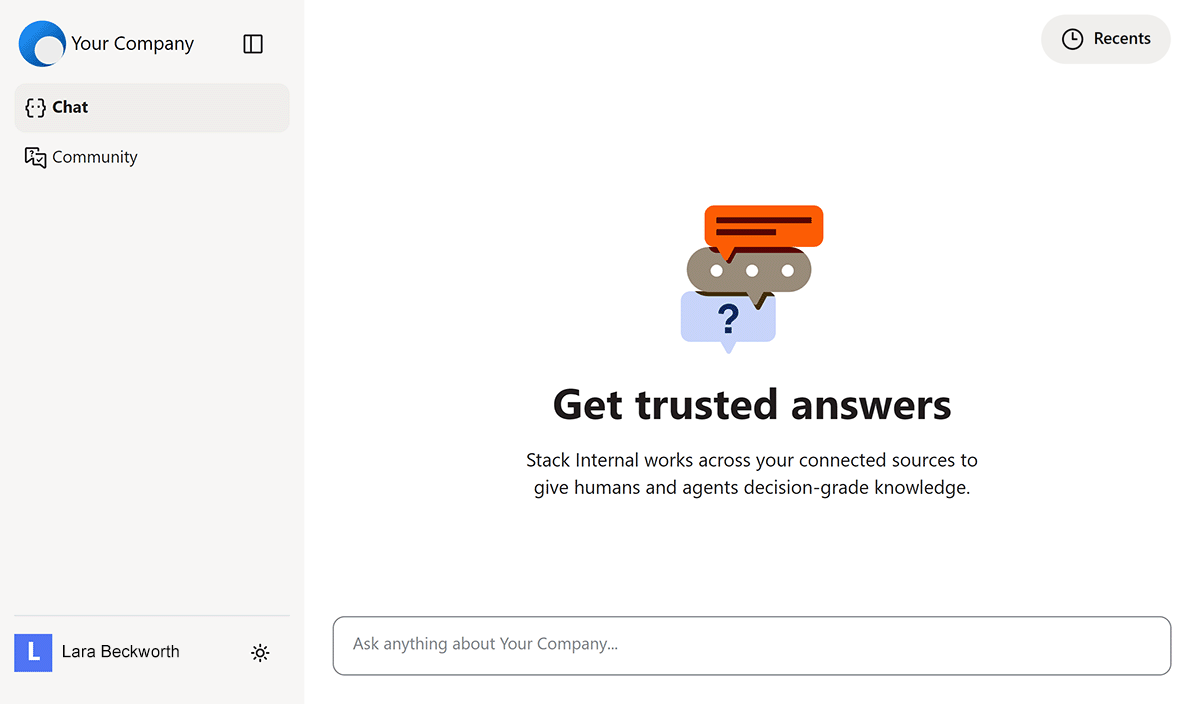
We designed Stack Internal Chat for ongoing investigation, not just one-time searches. You can ask follow-up questions, inspect cited sources, and return to saved conversations as your work develops.
How Stack Internal Chat turns a question into an answer
When you ask a question, Stack Internal Chat:
- Applies identity and workspace context Your identity and permissions accompany your request, making sure Stack Internal Chat returns information useful to you.
- Retrieves relevant knowledge Stack Internal Chat searches your organization’s indexed knowledge using the configured search strategy and connected sources available to that workspace.
- Synthesizes an answer AI turns the retrieved material into a concise, readable response.
- Reveals sources The returned answer includes citation metadata and links, letting you quickly inspect the material behind the answer.
- Saves the conversation Stack Internal Chat saves the chat transcript to the "Recents" list so you can easily return to it later.
Use Stack Internal Chat
To access the chat interface, click Chat in the left-hand menu.
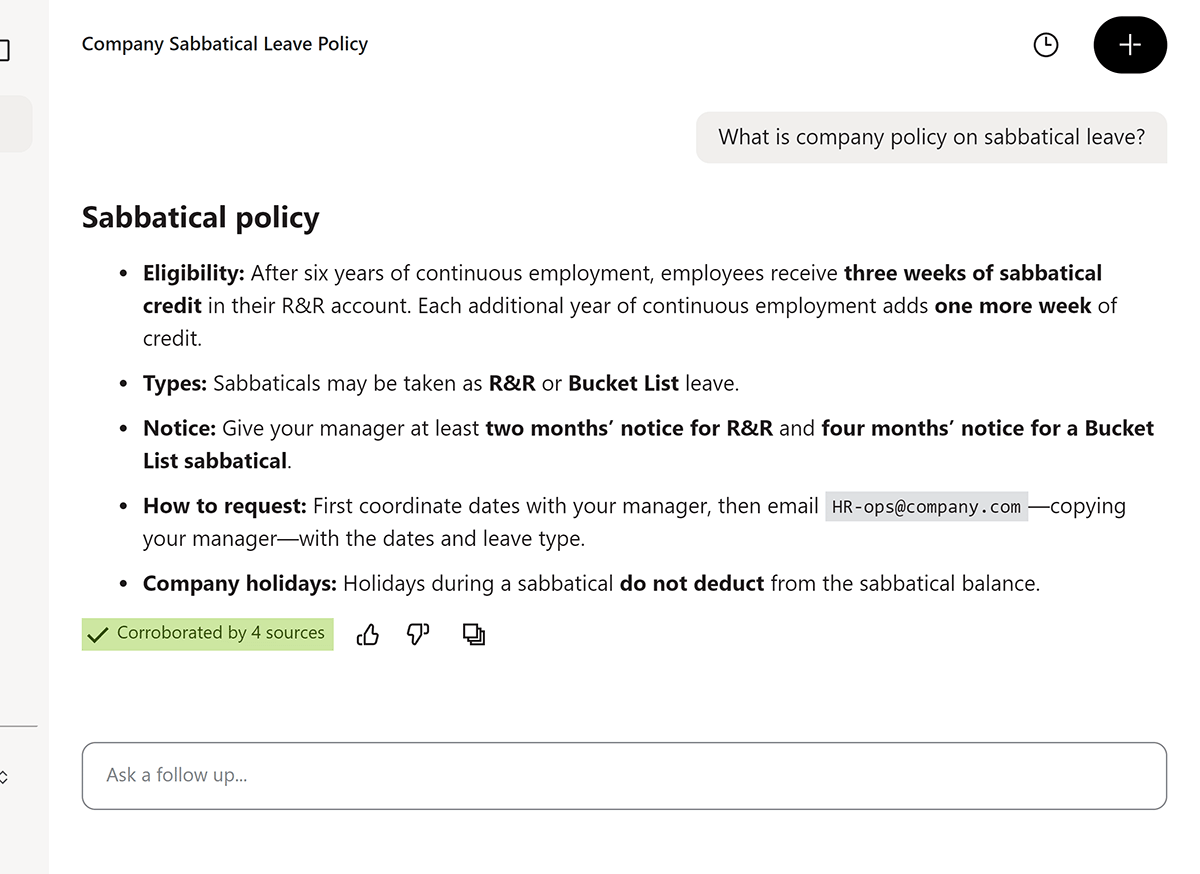
Ask a question, get an answer
Enter your question in the text box at the bottom of the page.

Stack Internal Chat processes your question and returns a response based on the most relevant and accurate information available.
View and access sources
Under the answer is a "Corroborated by…" box. Hover over this box to see the sources that contributed to the answer.
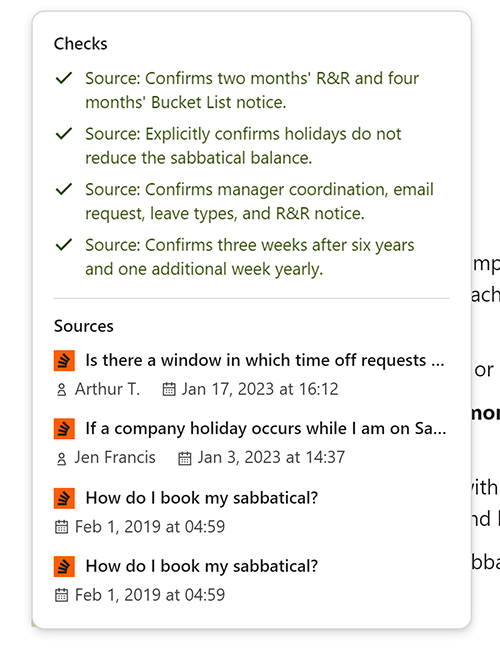
Each bold heading in the "Sources" area is a link. Click that link to go directly to the source document.
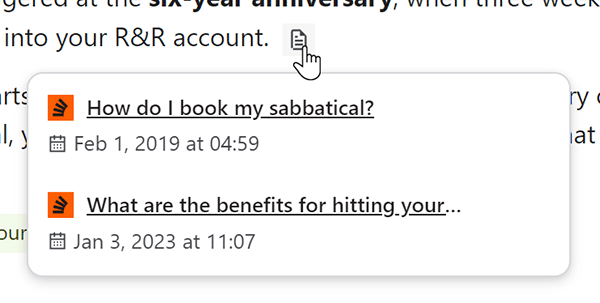
Some answers will include source icons in the text. As with the "Corroborated by…" box, hovering over these icons shows the source that contributed to that specific part of the answer. Click any source link to go to that source.
Ask a follow-up question
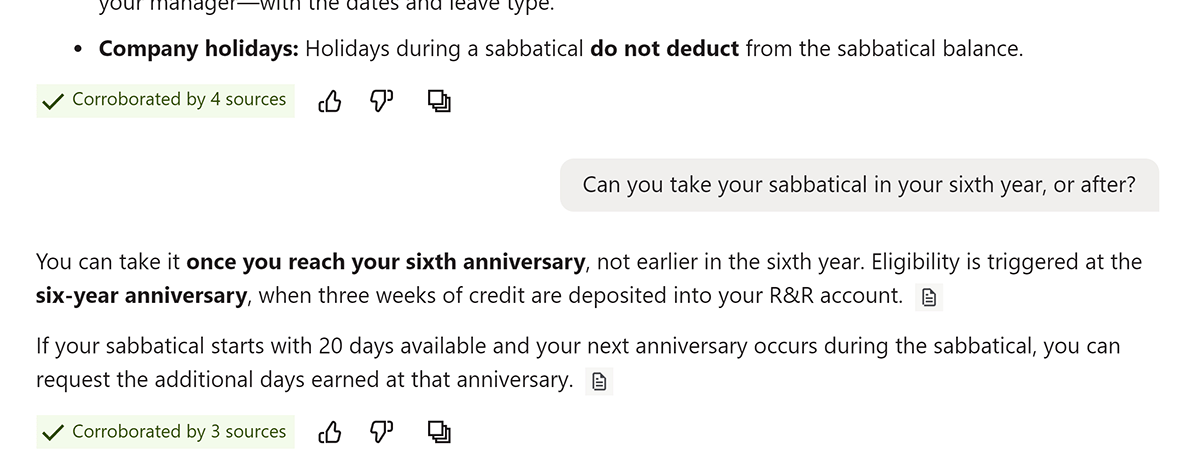
To refine the answers or ask a follow-up question, type into the text box of the current chat.
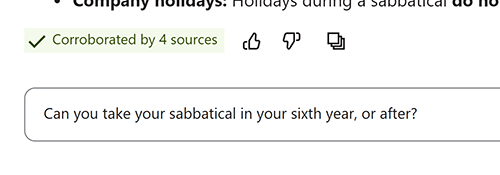
Stack Internal Chat will return another answer, using the chat's earlier questions and answers as context.
Request SME verification
Stack Internal leverages the knowledge of subject matter experts (SMEs) to deliver content you can trust. If an SME has verified the content Stack Internal used for its response, you'll see a "Validated by an expert" tag at the bottom.
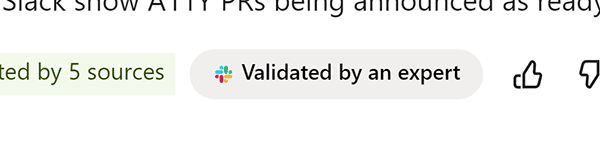
If Stack Internal's response isn't based on SME-verified content, you'll see a Verify with SME button instead.
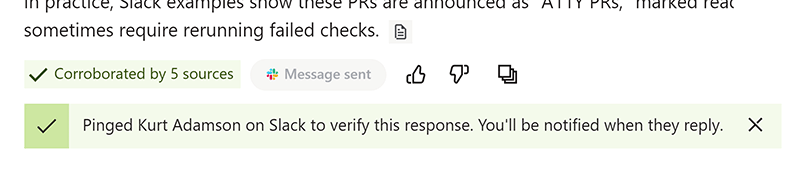
Click this button to request SME review of the content. Stack Internal will confirm the request.
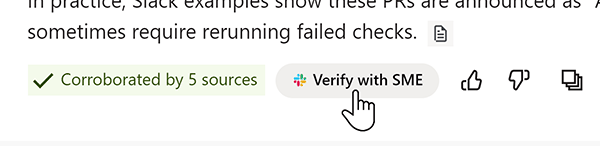
Stack Internal will notify you when an SME verifies or corrects the information. This notification may happen in Slack or Stack Internal.
Rate and copy the response
Each response has three buttons at the bottom. Click the thumbs up or thumbs down buttons to rate the quality of the response. This is valuable feedback that will help Stack Internal improve responses in the future. Click the three squares icon to copy the response to your clipboard.
Manage chats
To see a list of previous chat sessions, click Recents (clock icon). To start a new chat, click + New Chat.

Stack Internal Chat saves only the last 25 chats in the "Recents" chat list.
Get the best results
Here are several tips to ensure you get the most accurate, useful answers from Stack Internal Chat.
- Be specific about the outcome. Ask for a comparison, summary, decision history, list of risks, or recommended next step. Include details such as relevant project, team, date range, or audience context.
- Use follow-up questions. Refine the answer, ask for missing evidence, or request a different level of detail within the same conversation.
- Open the sources. Use citations to verify important details and read the original context before making high-impact decisions.
- Treat answers as assistance. The interface accelerates discovery and synthesis; you should still apply judgment before using the information returned. Remember: AI can make mistakes.
If you have questions or need help, open a ticket on our help center or email us at support@stackoverflow.com.